DeepFaceLive DFM Models: What They Are and How to Use Them
What a DeepFaceLive .dfm model is, how DeepFaceLab and DeepFaceLive differ, and how to import and use .dfm files in VisoMaster Studio on Mac or Windows.
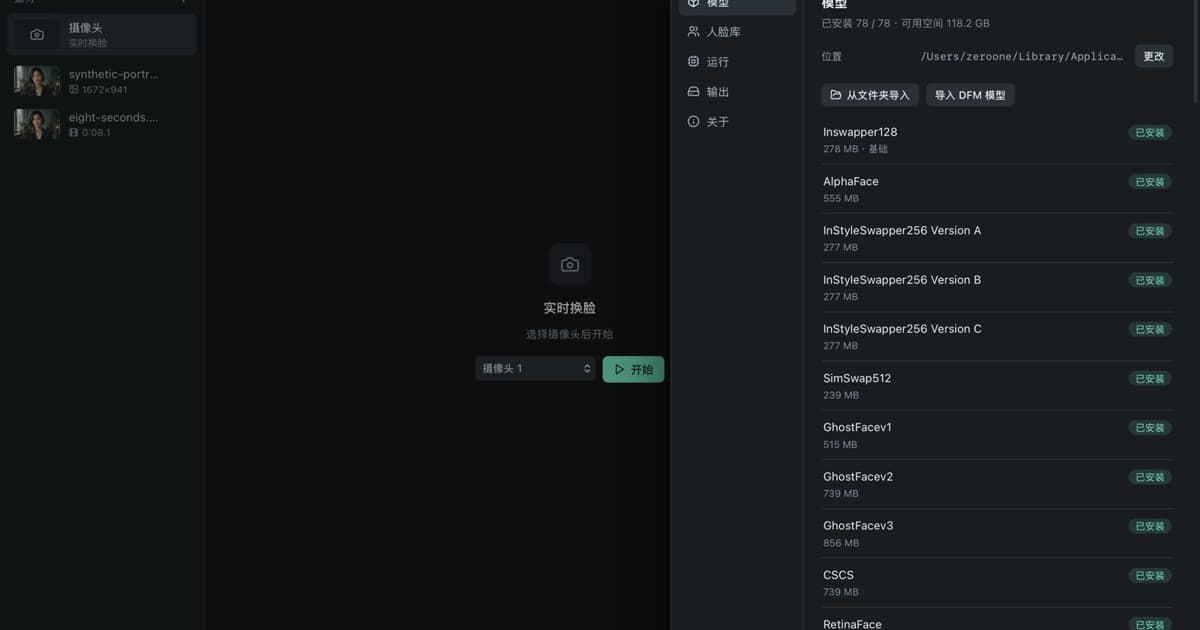
A .dfm file is a face model trained in DeepFaceLab and exported for DeepFaceLive. Unlike one-shot swappers such as Inswapper128, which take a reference photo, a .dfm model has one identity built in from training. VisoMaster Studio can import .dfm files and use them as the swap model for any face in an image or video, alongside its masks, restorers and video tools.
This post explains where .dfm files come from, what is inside them, and how Studio loads them.
DeepFaceLab and DeepFaceLive
Both projects were written by iperov, both are GPL-3.0, and both GitHub repositories are now archived (read-only). The last commits are from October 2024 (DeepFaceLive) and November 2024 (DeepFaceLab).
DeepFaceLab is a toolkit for training face-swap models. Its command-line entry point has separate steps: extract faces from images or video frames, sort face sets, label and apply XSeg masks, train a model, merge the result back into the frames, and turn image sequences back into video. It also has an exportdfm command, described as "Export model to use in DeepFaceLive". The README warns that there is no "make everything ok" button and that the workflow takes time to learn. Releases are listed for Windows, with community Linux builds.
DeepFaceLive is described as "Real-time face swap for PC streaming or video calls". Its Face Swap (DFM) mode swaps your face from a webcam or a video using trained face models, and the README lists a set of ready-to-use public models. It also has a Face Swap (Insight) mode that uses a single photo, and a Face Animator. System requirements are Windows 10 and a DirectX 12 graphics card, with a separate NVIDIA build.
| DeepFaceLab | DeepFaceLive | |
|---|---|---|
| Purpose | Train models and merge them into video | Real-time swapping for streams and video calls |
| Produces or uses .dfm | Exports .dfm (SAEHD and AMP models) | Loads .dfm |
| Interface | Command-line steps | Desktop app |
| Platforms (README) | Windows releases; community Linux builds | Windows 10; Linux build notes |
| License | GPL-3.0 | GPL-3.0 |
| Status | Archived on GitHub | Archived on GitHub |
The DeepFaceLive FAQ is clear about scope: it is designed for face swapping in streams, and changing faces in videos is "only for test purposes". That gap, applying a trained model to recorded video with frame-level control, is where a video editor such as VisoMaster Studio fits.
What is inside a .dfm file
In DeepFaceLab's source, the export function converts the trained network to an ONNX model and writes it as model.dfm. The model takes one input, an aligned face image named in_face, and returns the swapped face plus two masks. Models trained with DeepFaceLab's AMP architecture add a second input, morph_value, which Studio exposes as a morph factor setting.
Because a .dfm file is an ONNX model, it does not need DeepFaceLab or TensorFlow to run. That is what allows other tools to load it.
The DeepFaceLive FAQ notes that its public models use 224 by 224 face resolution so they run on most PCs, and that you need to train your own model for higher face resolution. It also notes that how well a swap matches depends on how well your face shape fits the trained face.
How VisoMaster Studio runs .dfm models
Studio inherits its DFM support from VisoMaster Fusion. From the source code:
- Import. You import .dfm (or .onnx) files from the model settings. Studio copies them into its own DFM model folder in the app-data directory, so they survive upgrades.
- Checks. When a model loads, Studio checks that its first input is named
in_faceand, if there is a second input, that it ismorph_value. Files that do not match fail to load. - Back end. DFM models run through ONNX Runtime with the same execution provider as Studio's other models: CoreML or CPU on Apple Silicon, CPU on Intel Macs and the Windows CPU build, and CUDA on the Windows NVIDIA build.
- Identity. When a face's swap model is set to DeepFaceLive (DFM), the identity comes from the model. Studio does not use a reference photo's embedding for that face.
- Settings. A DFM model has its own options in Advanced settings: the model file, a morph factor for AMP models, and RCT colour transfer. A global setting controls how many DFM models stay loaded in memory at once.
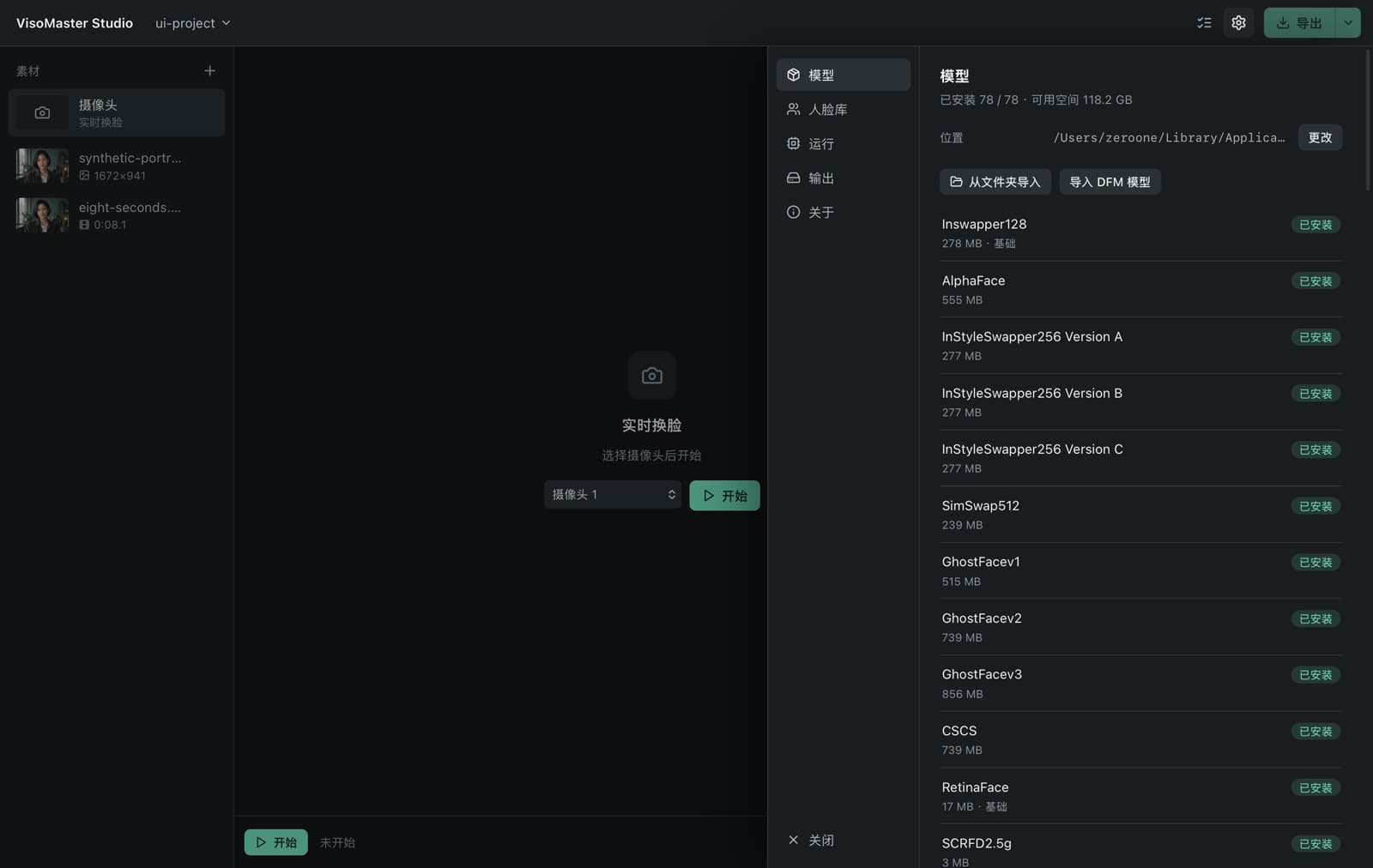
Because swap settings are per face, each detected face in a clip can use a different model. One person can use a .dfm model while another uses Inswapper128 with a reference photo, and faces you do not map are left alone. See how to swap multiple faces in a video.
One-shot swappers vs .dfm models
| One-shot swappers (Inswapper128, SimSwap512, GhostFace and others) | .dfm models | |
|---|---|---|
| What you provide | One or more reference photos | A trained model file |
| Preparation | None beyond choosing photos | Training in DeepFaceLab, then export |
| Identities | Any face you have a photo of | The one identity the model was trained on |
| Settings in Studio | Swapper resolution where supported, likeness and other face settings | Model file, morph factor (AMP), RCT colour transfer |
Which looks better depends on the model and the footage, so compare them on your own clip. For the one-shot swappers in Studio, see face swap models compared.
Using a .dfm model in Studio
- Get a model you have the right to use. Train your own in DeepFaceLab and export it, or use a model whose author allows your use. For any model you did not train yourself, including DeepFaceLive's public models, check that the person it reproduces has consented and that your use is lawful.
- Import it. Open settings, go to the models section and choose to import a DFM model. Select the .dfm file.
- Add your media. Add the image or video. Faces in the current frame are detected.
- Assign the model. Select the target face, set its swap model to DeepFaceLive (DFM), and pick your imported file in Advanced settings.
- Adjust and compare. Turn on face restoration or keep occluders if the result needs it, and use the compare view against the original. Restorer choice and other masks, such as XSeg, are in Advanced settings; see GFPGAN vs CodeFormer vs GPEN.
- Export. Export the whole clip, a range, or several segments joined, with audio kept. Use parameter markers if a scene needs different settings from a certain frame.
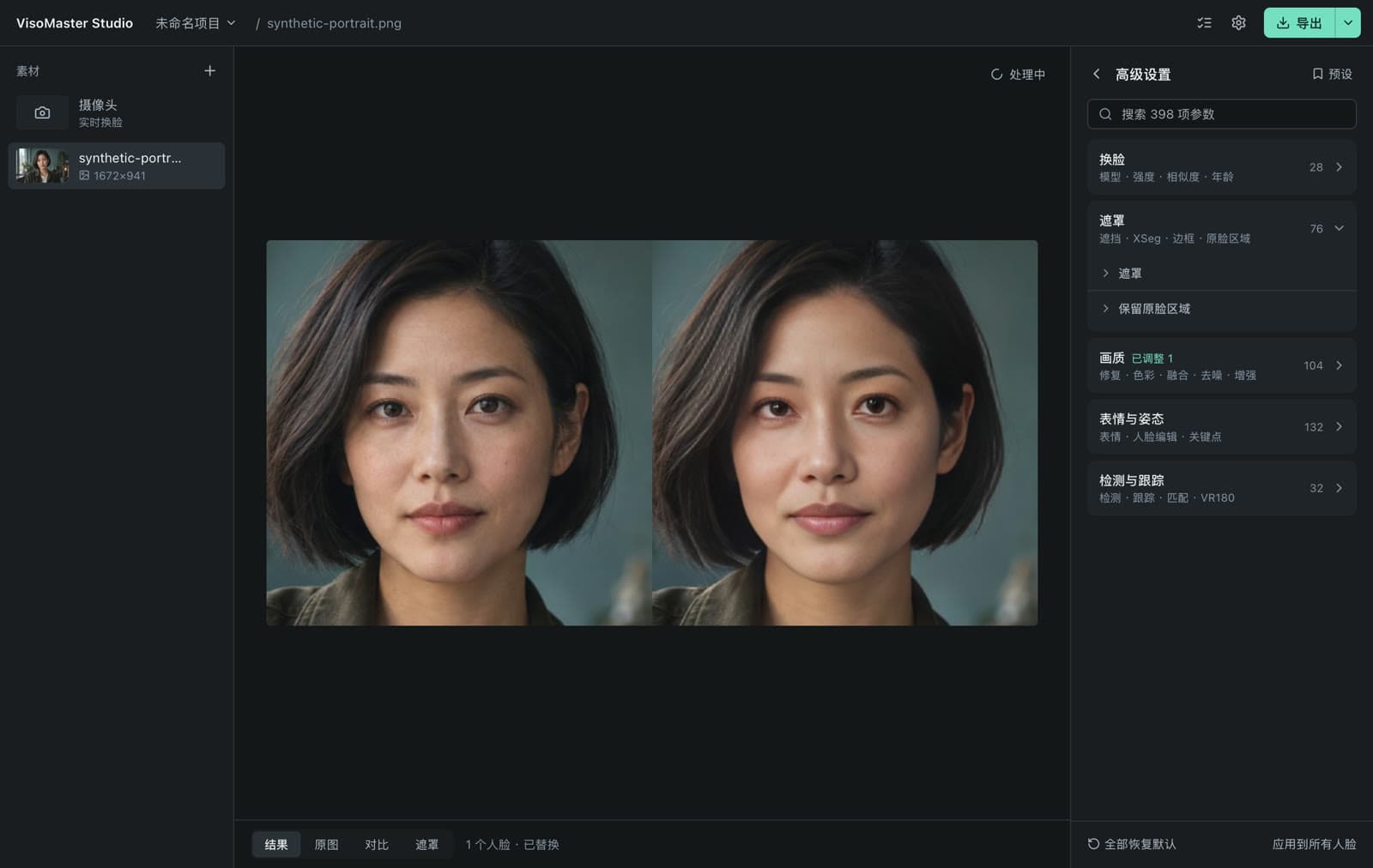
Studio also has a live mode with webcam input and optional virtual-camera output, but if real-time streaming is your main goal, DeepFaceLive was built specifically for that.
Installation notes for Mac and the Windows previews are in the installation guide. For how Studio compares with another tool that runs .dfm models, see VisoMaster vs FaceFusion.
Consent and acceptable use
A .dfm model is trained to reproduce one specific person, so consent matters even more than with a photo. Train or use models only of yourself or of people who have given explicit permission, label synthetic media, and follow local law. VisoMaster Studio's rules are in the acceptable use policy.
FAQ
Can I train a .dfm model in VisoMaster Studio?
No. Studio imports and runs .dfm models but has no training tools. Training and export happen in DeepFaceLab, whose exportdfm command produces the .dfm file.
Are DeepFaceLab and DeepFaceLive still maintained?
Both GitHub repositories are archived, which means they are read-only, and their last commits are from late 2024. The code and existing releases are still available under GPL-3.0.
Why does Studio reject my .dfm file?
Studio expects the ONNX layout DeepFaceLab exports: a first input named in_face, and optionally a second named morph_value. A file with a different layout, or one that ONNX Runtime cannot load on your hardware, fails to load.
Do .dfm models run on a Mac?
A .dfm file is an ONNX model, and Studio runs it through ONNX Runtime with CoreML or CPU on Apple Silicon and CPU on Intel Macs. How fast it runs depends on the model and your Mac.
Get the installers at visomaster.studio/download.
Author

Categories
More Posts
Face Swap Models Compared: Inswapper, SimSwap, Ghost
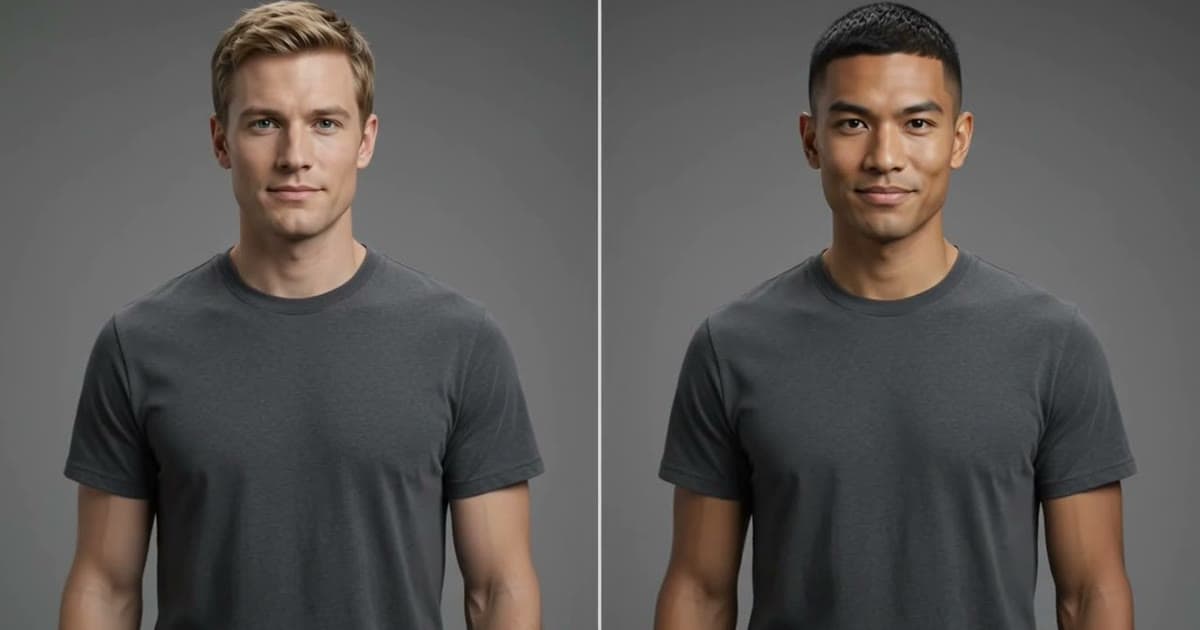
Inswapper, SimSwap, GhostFace, CSCS, AlphaFace and InStyleSwapper compared: input size, recognition model, license and options in VisoMaster Studio.
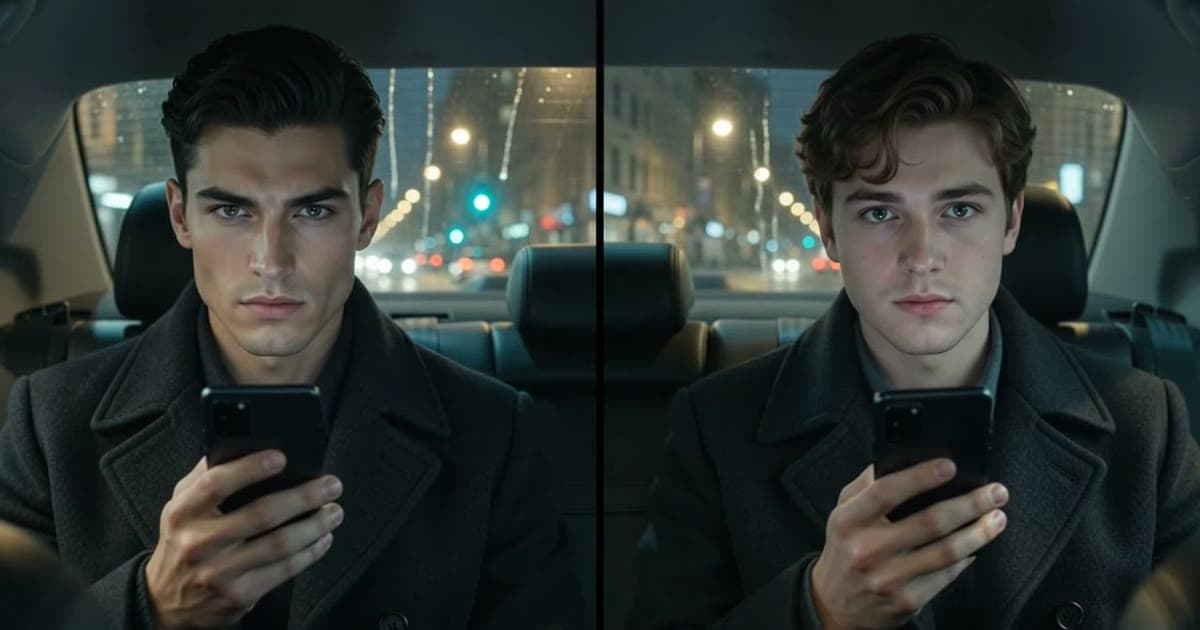
VisoMaster vs FaceFusion: Which Local Face Swap Tool?
VisoMaster Studio vs FaceFusion compared on interface, Mac and Windows setup, swap models, restorers, video workflow and hardware support.
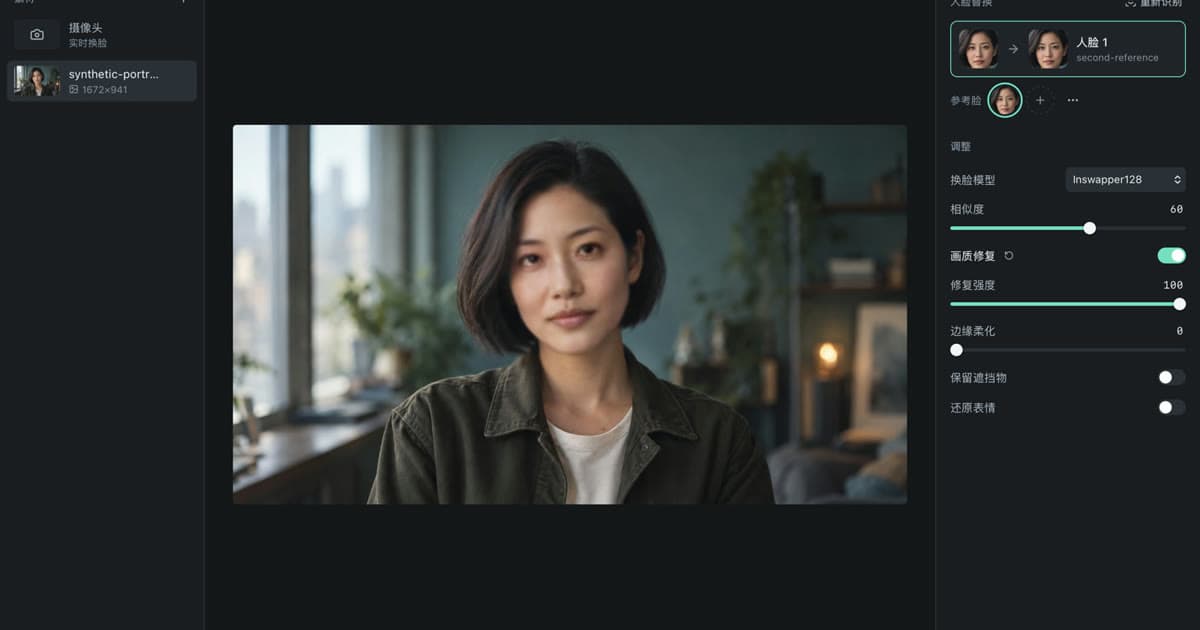
GFPGAN vs CodeFormer vs GPEN: Face Restorers Compared
GFPGAN, CodeFormer, GPEN, RestoreFormer++ and VQFR compared: who made them, input sizes, fidelity controls, licenses and settings in VisoMaster Studio.